Features
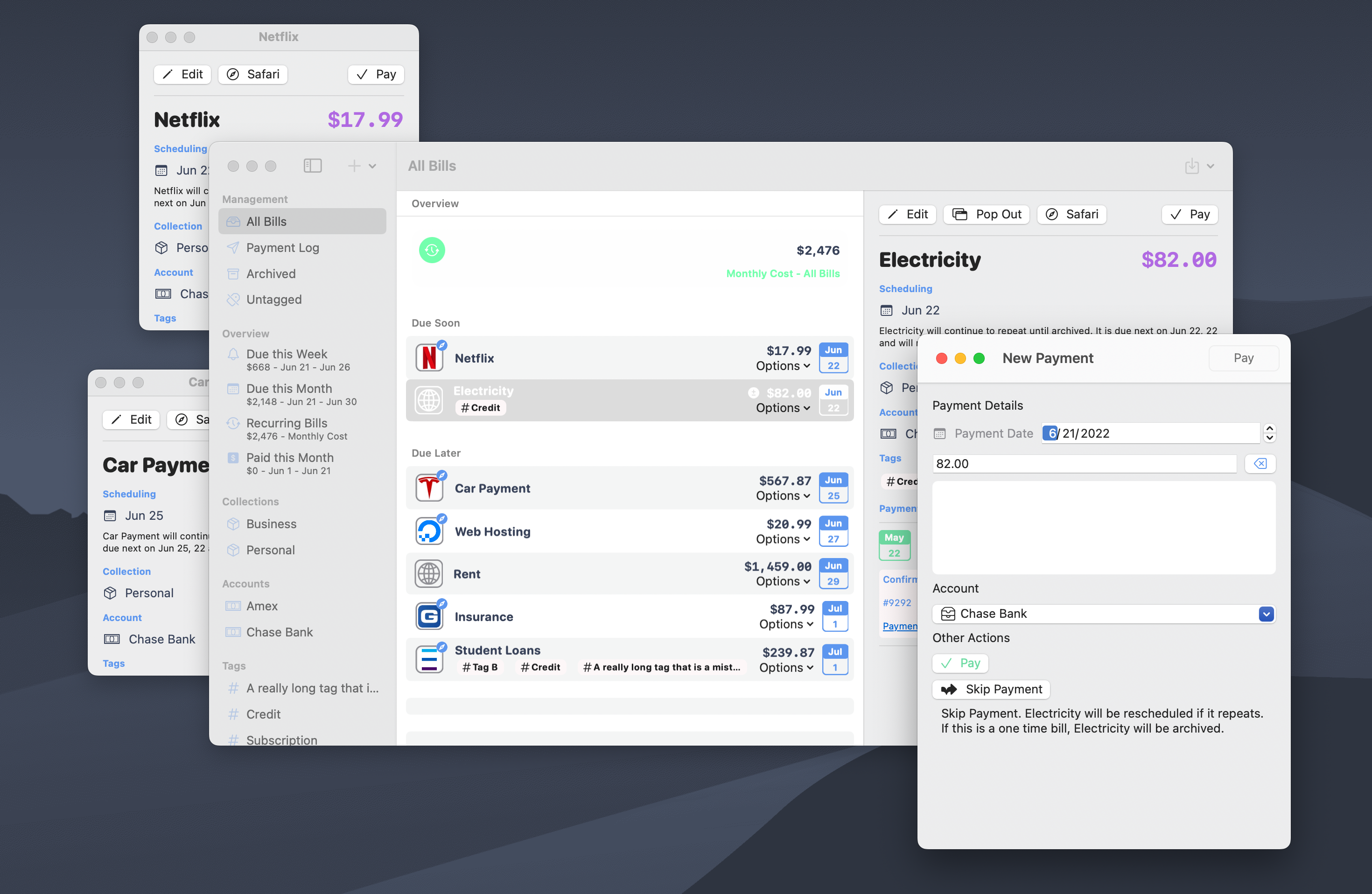
🪟 Native macOS windowing
Bills io is now written for the Mac with native macOS window management
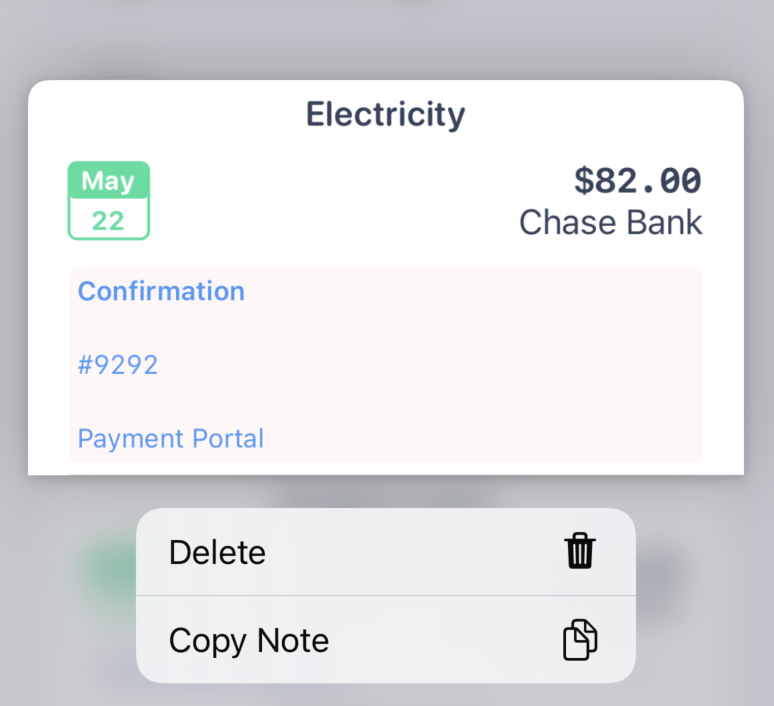
📝 Payment note copying
Copy your notes from previous payments to grab that confirmation number you didn't know you needed until now.
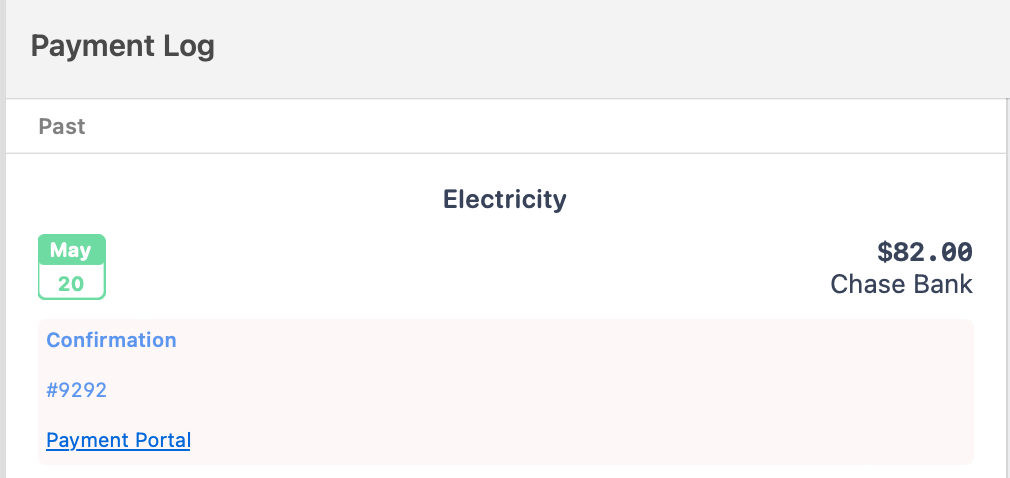
🧑💻 Markdown support in Payment notes
Notes for payments will now render with basic markdown syntax
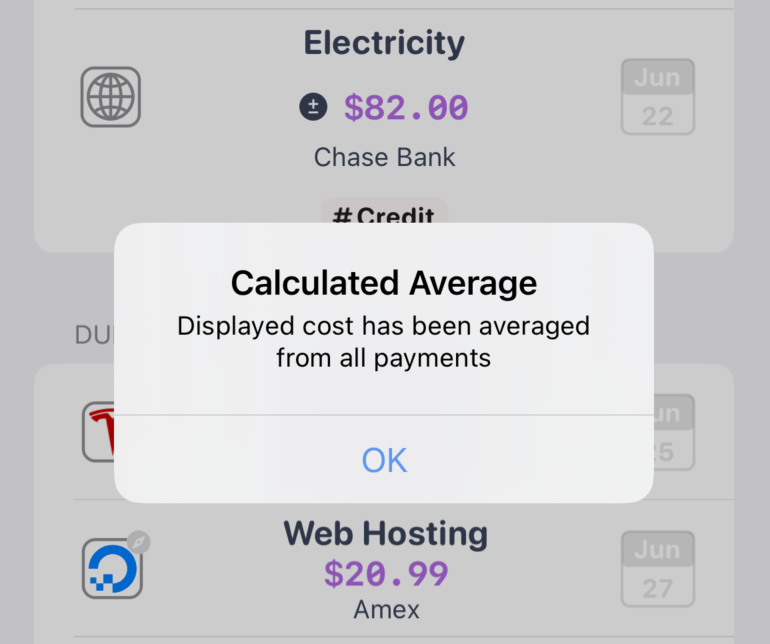
🧮 Calculated costs for bills without a specific amount
Bills don't have to have an exact amount due. Just enter the amount you pay every month and let Bills io calculate the average amount. Oh, and yes, this is automatically added to your average Bill spend calculations.
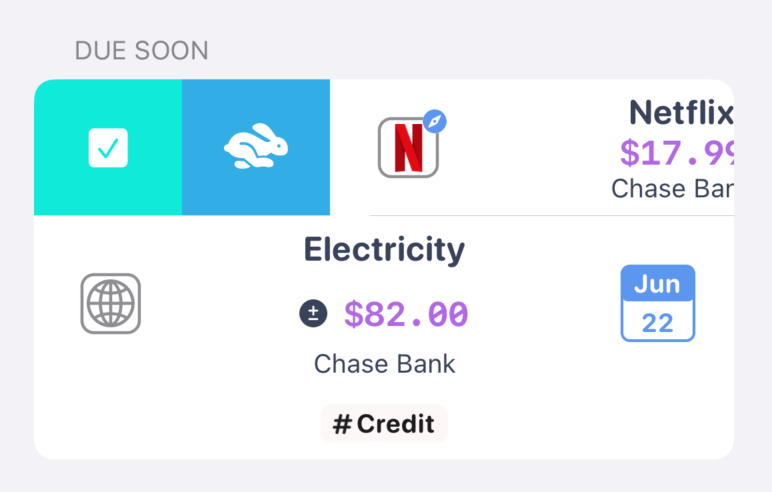
👆 New swipe actions throughout the app
Swipe to pay, swipe to archive, and swipe to restore that accidentally archived Bill.
Fixes
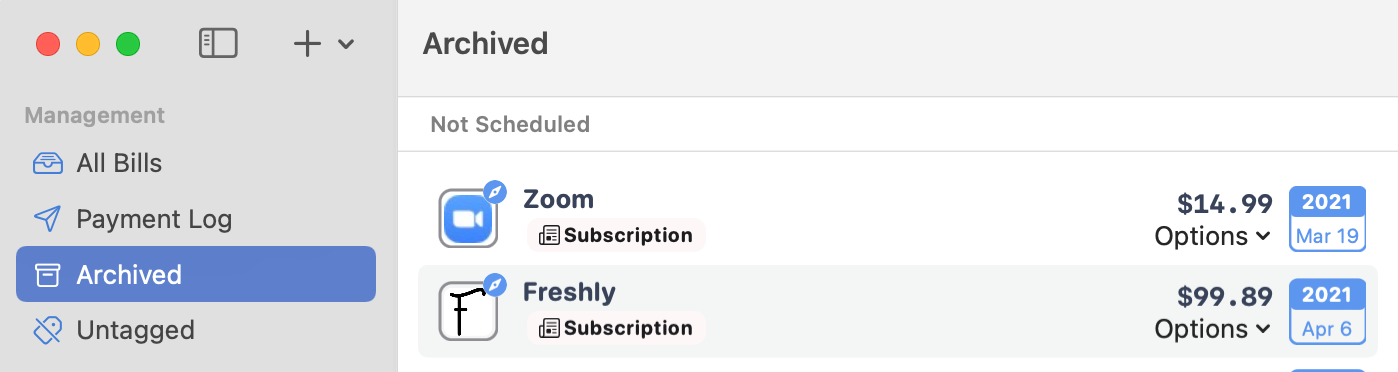
🗑 Archived bills are now more distinguished from active bills
Bills io now includes a dedicated archived Bills section.
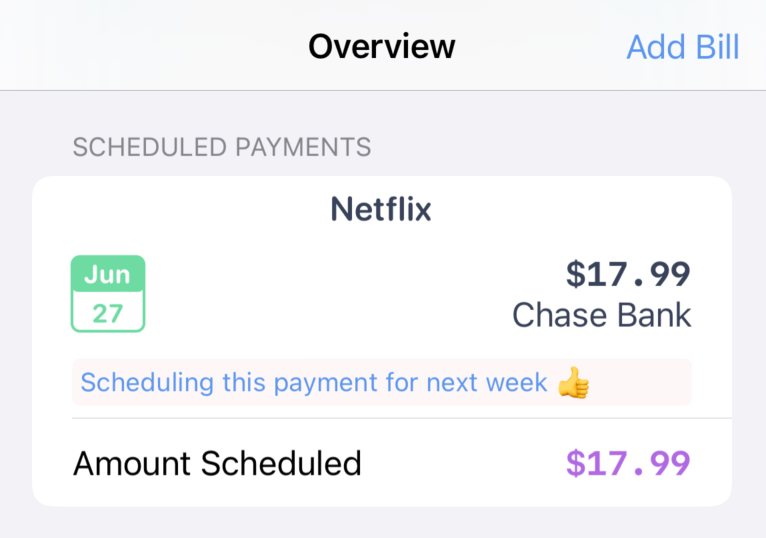
💸 Future payments now have a dedicated overview feature
Schedule a payment for a later date online, and now you can record that in Bills io in a dedicated section. Come back later to remind yourself of what payments are still processing.